
Resource Pack FAQ (Large file, may load slowly)
Texture Issues
- The textures look "cracked" or broken.
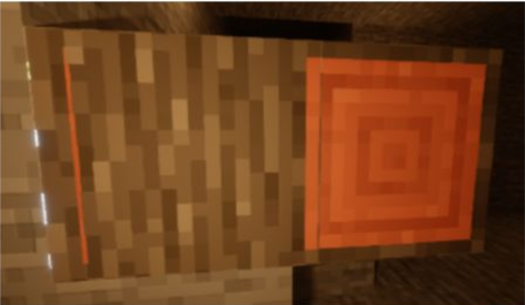
This is a parallax bug with iterationT on newer versions of Iris and Oculus shaders. Currently, there is no good fix other than disabling parallax or switching to a different shader pack.
- Edge Glowing
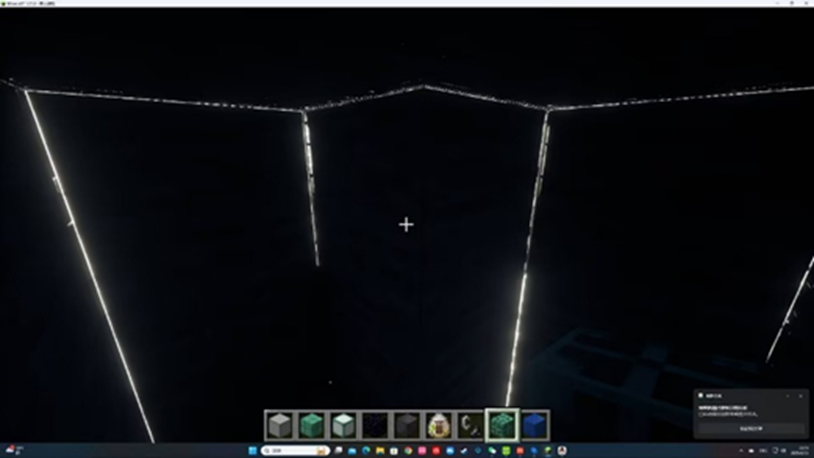
This is Parallax Light Leaking, which is a shader bug. You need to reduce the parallax depth or switch to a shader pack that has a fix for parallax light leaking.
- White Lines appearing
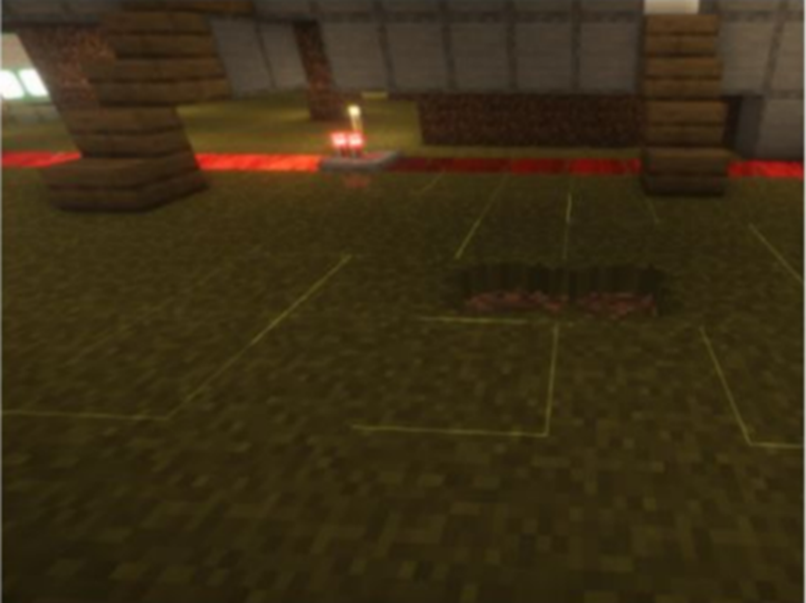
There are two possible reasons:
Anisotropic Filtering is turned on.
Mipmap levels are set too high.
Solutions:
Disable Anisotropic Filtering in your GPU control panel (outside the game).
Lower the Mipmap levels in the in-game settings.
- Why is there no Connected Glass?
Forge: Install Optifine. For version 1.20.1, you can also try Oculus (and dependencies) with the Constancy mod.
Fabric: Install Iris Shaders (and dependencies) + Continuity (and dependencies).
NeoForge: Install NeoContinuity (and dependencies).
- Why doesn't enchantment glint work on lower versions?
Enchantment glint outlines are not supported in version 1.21.4.
For versions below 1.21.4, you need to install CIT Resewn. NeoForge requires Sinytra Connector (信雅互联) and CITResewnNeoPatcher.
- Grass Block Side Texture Glitches
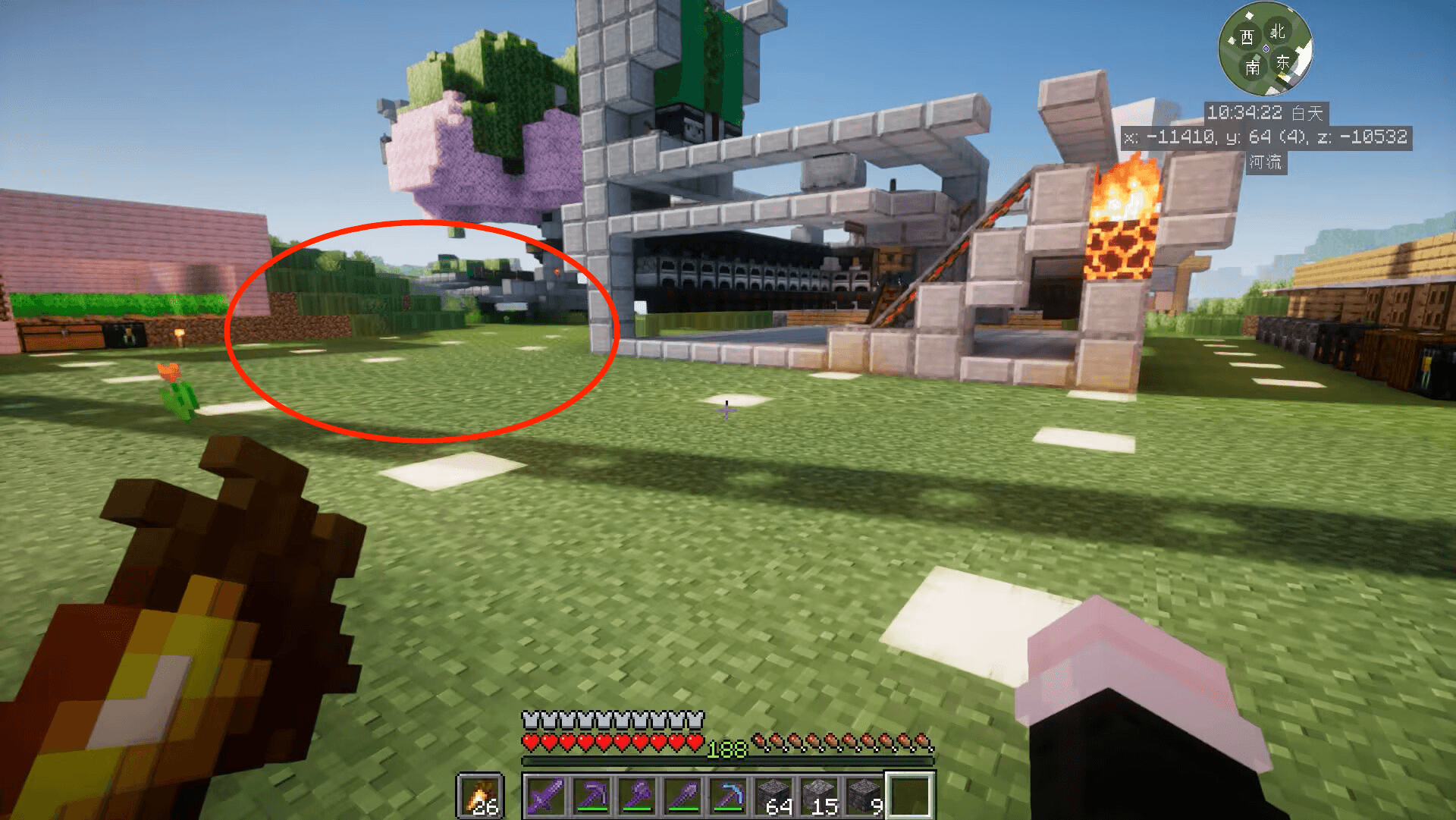
This may appear in some versions. Set the Mipmap level to 1 or 0 to resolve the issue.
Shader Issues
- Why is there no effect after installing shaders?
Check your shader pack list to ensure they are installed correctly; do not put the resource pack in the shaderpacks folder.
It is possible the creator made an error during compression. Try unzipping the resource pack. If you encounter this, please contact an admin in the group.
Some shaders (like Complementary) do not enable labPBR by default (using Integrated PBR instead), which prevents the resource pack effects from showing. Switch this in the shader settings.
- Shader and texture settings are correct, but it still looks flat.
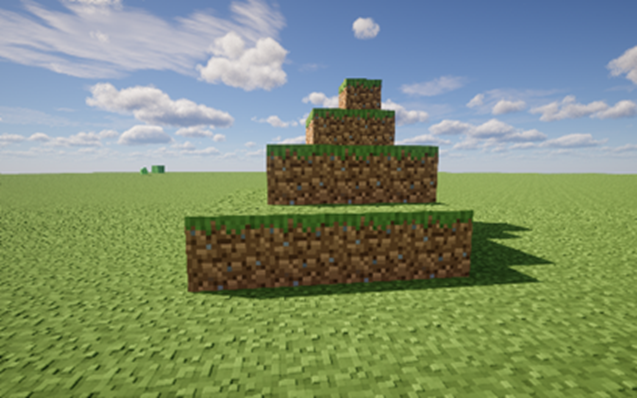
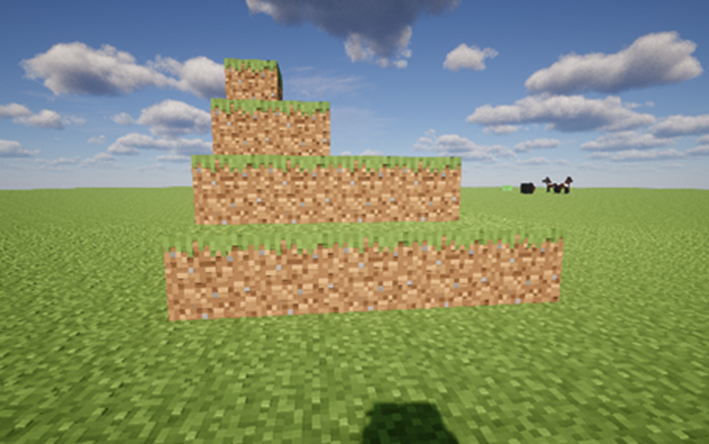
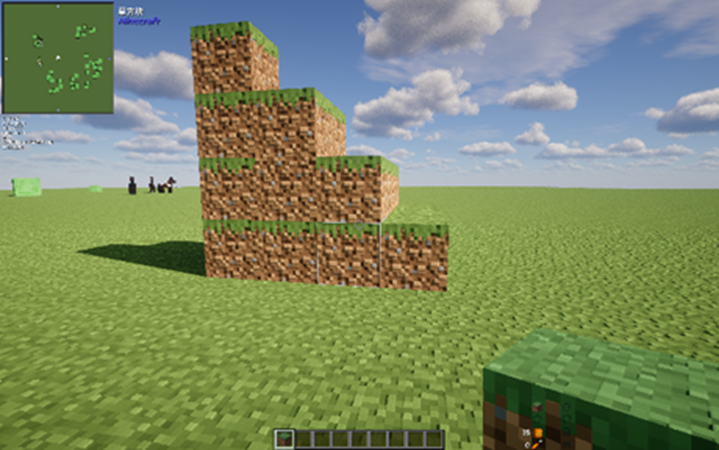
This is related to lighting. Some shaders do not show PBR effects well in low light. Please move to a well-lit environment. The above images show the different visual experiences from different perspectives using the same time and parameters in the itrp 0.7.21 version.
- My armor looks strange.
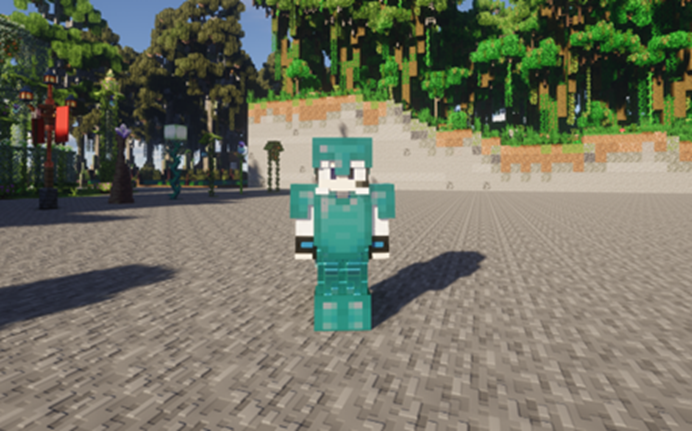
Go to the shader's "Material - Parallax" settings and disable Entity Parallax.
- I want more grainy or bumpy 3D effects.
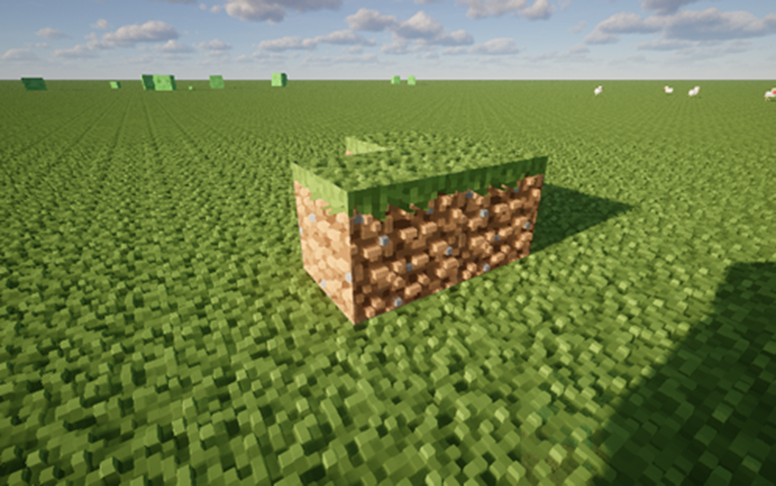
Increase the Parallax Depth in your shader settings and choose appropriate lighting and time.
Mod Issues
- Why do trapdoors look weird?
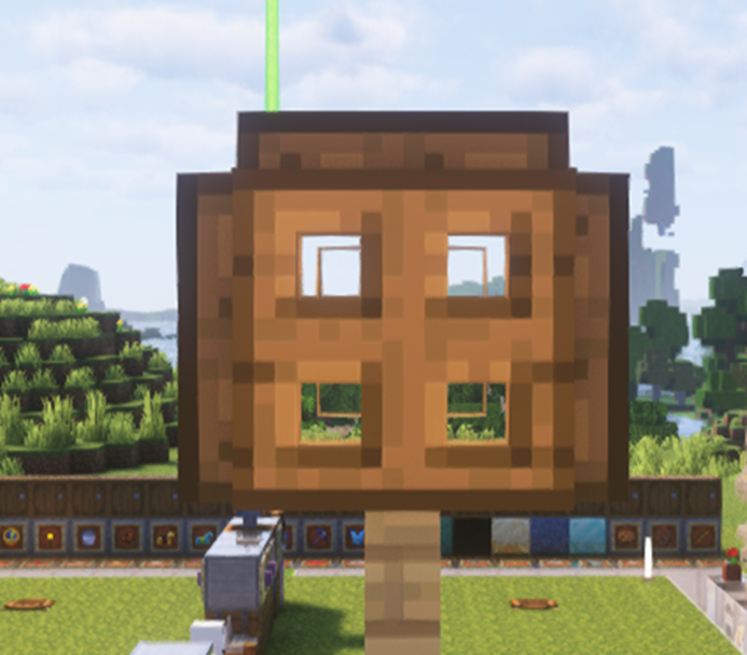
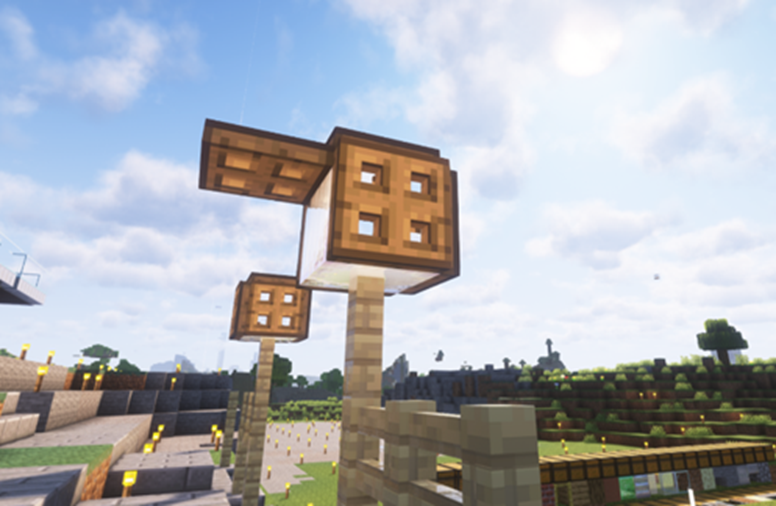
The cause is likely the optimization mod "More Culling," which modifies block face culling logic, causing issues with related textures.
- Where are the PBR effects on my armor?
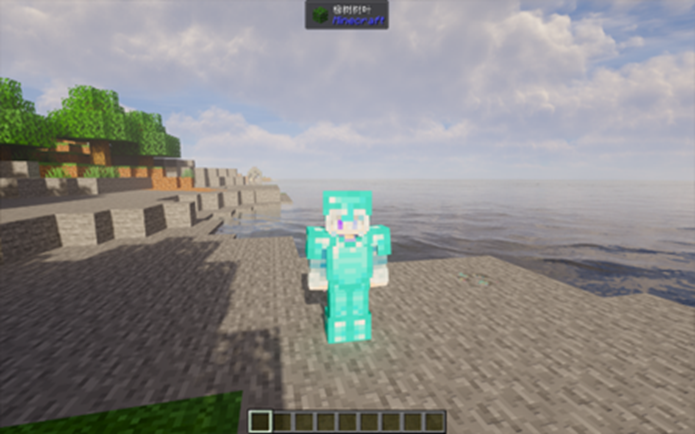
Check if you have the Geckolib mod installed. This is a compatibility issue; try updating the mod or uninstalling it.